Fully offline
Every photo is compressed on your device and never uploaded. It works in airplane mode too.
 PhotoSlimPhoto compressor & resizer
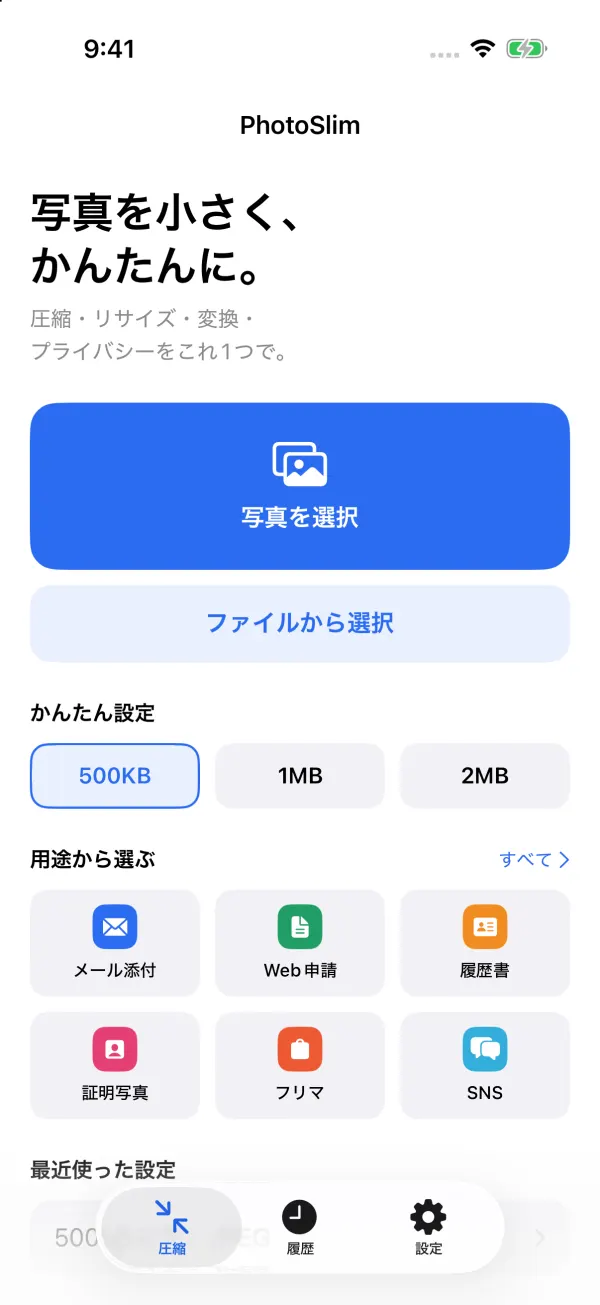
Just pick a size
PhotoSlim makes photos smaller while keeping them as sharp as possible — just pick a file size. Compress, resize, convert and protect your privacy, all in one app.
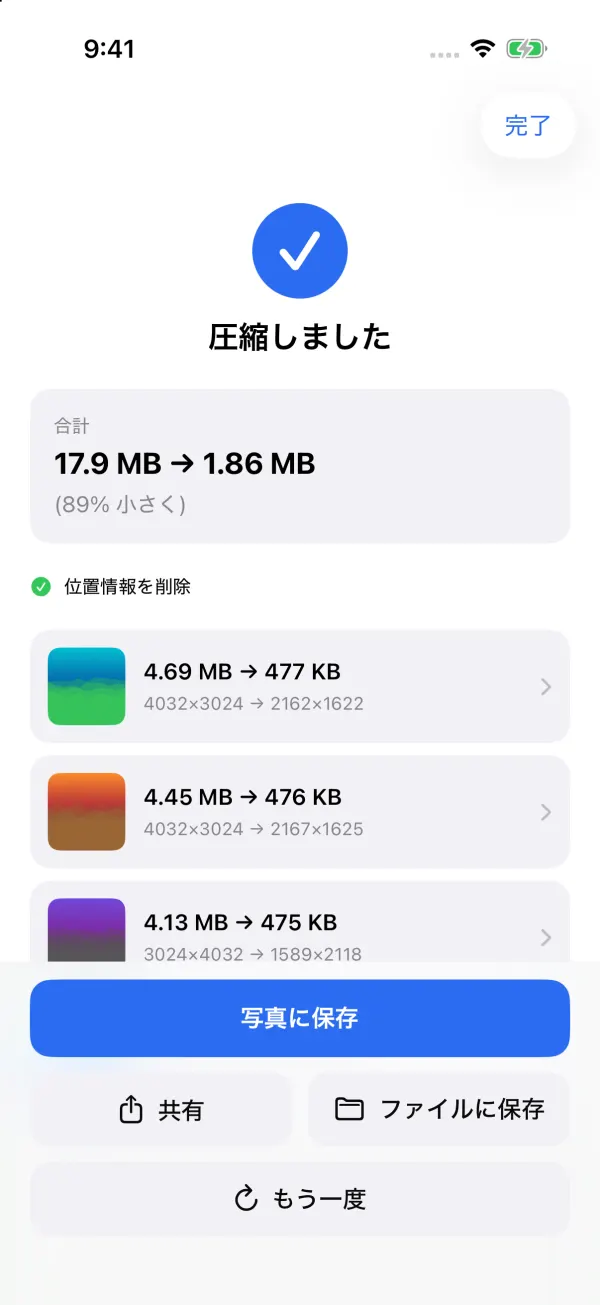
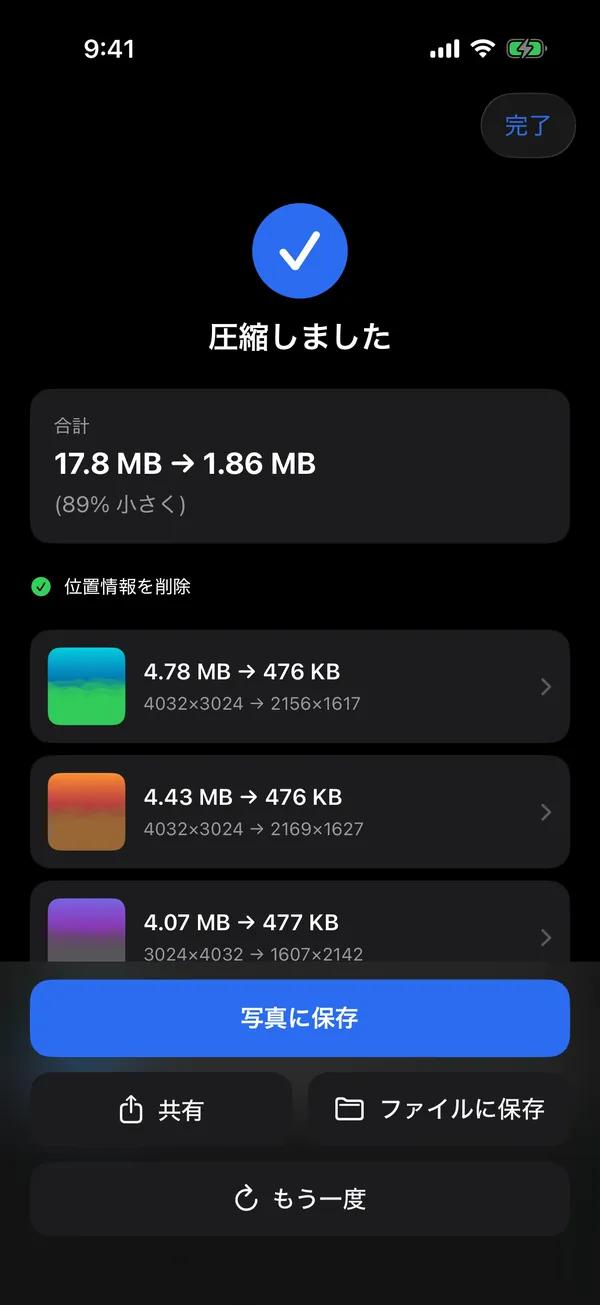
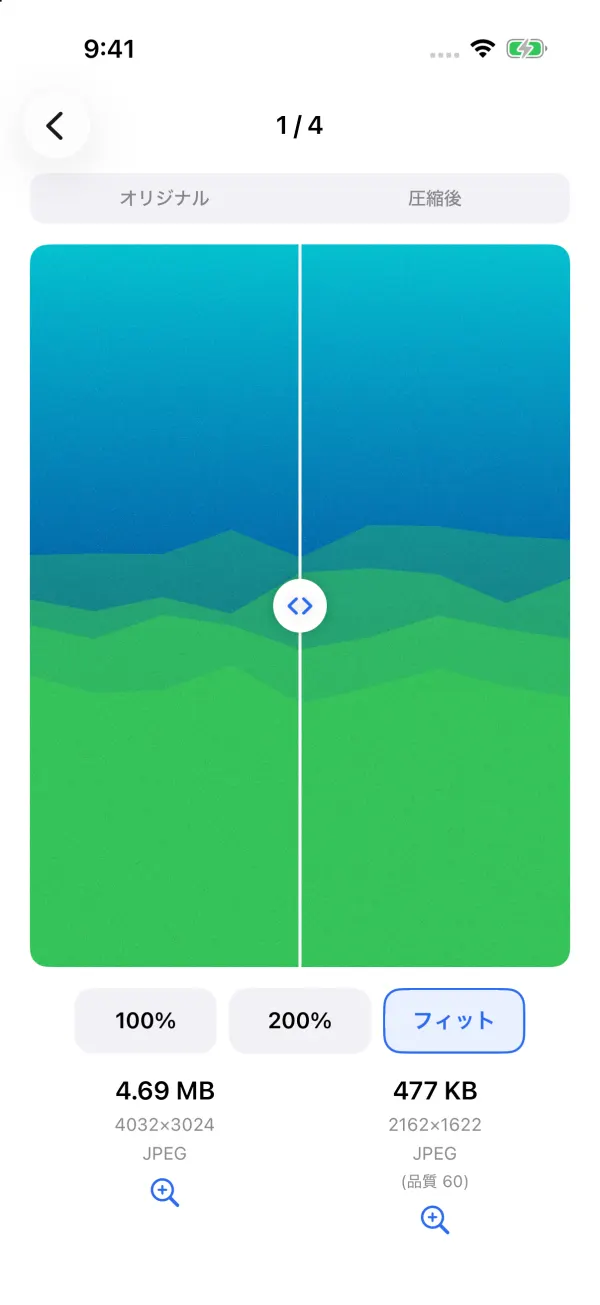
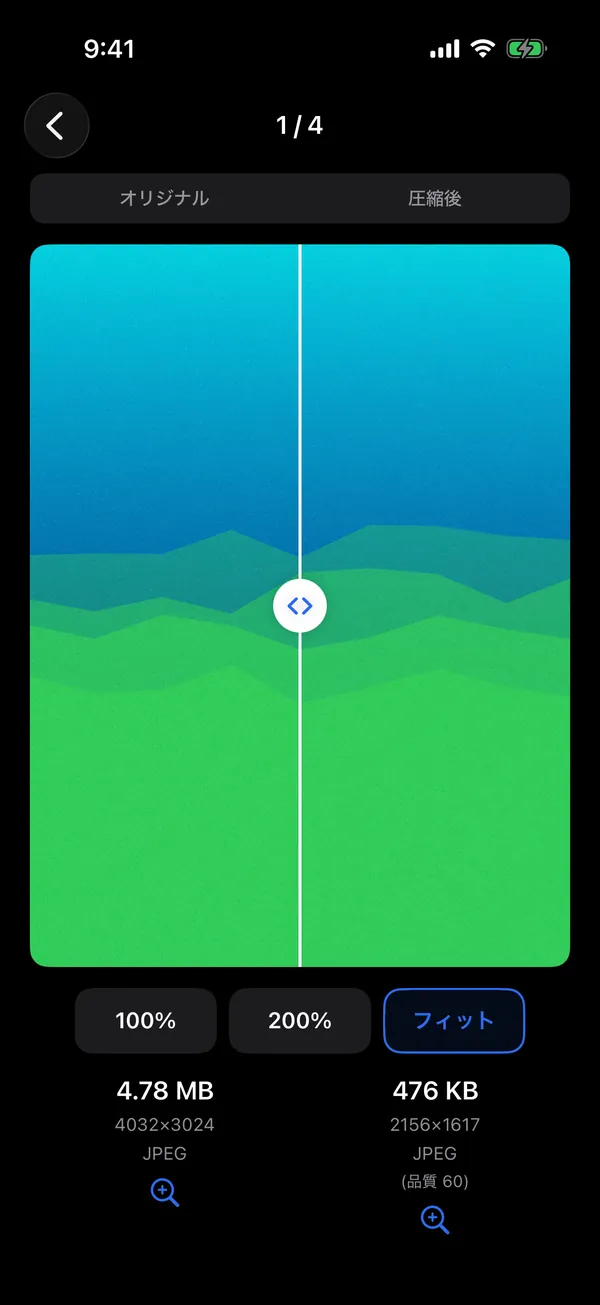
4.69 MB477 KBExample: a 4.69 MB photo compressed to 477 KB
Why PhotoSlim
The right size to send or upload a photo, in the fewest steps.
Every photo is compressed on your device and never uploaded. It works in airplane mode too.
Not even in the free version. There is no analytics or advertising SDK in the app.
PhotoSlim Pro is a single payment of ¥1,480 in Japan. It is not a subscription.
How it works
Open it and go: no tour of welcome screens, no sign-in.
As many as you like — from Photos, from Files, or straight from another app's Share menu.
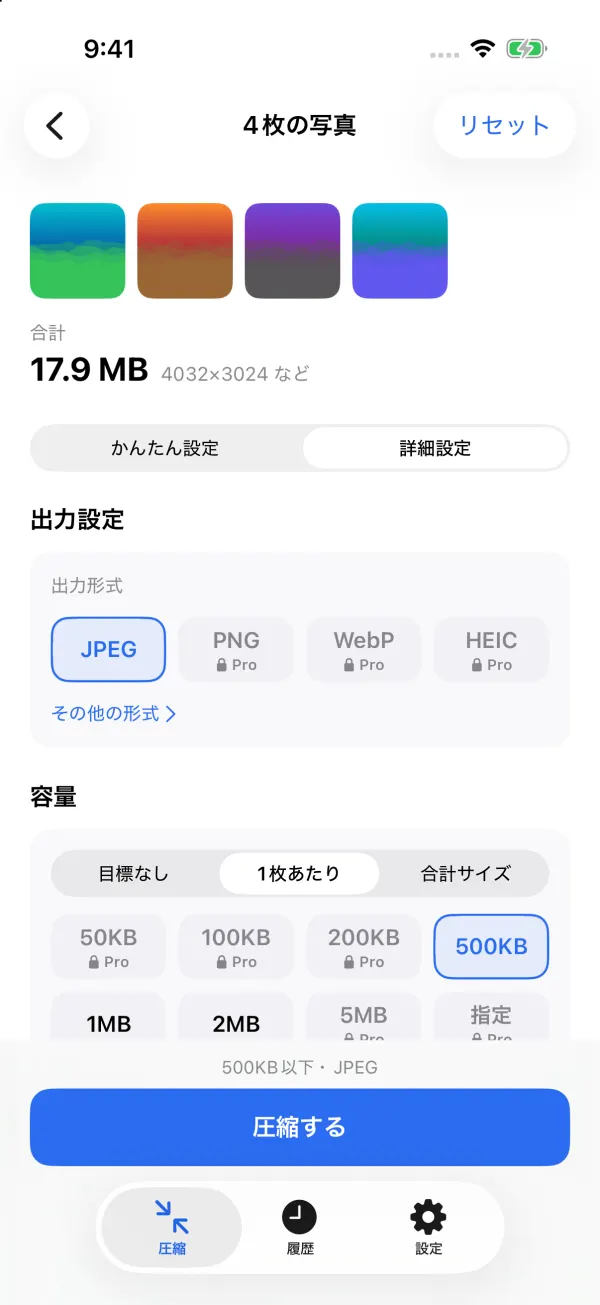
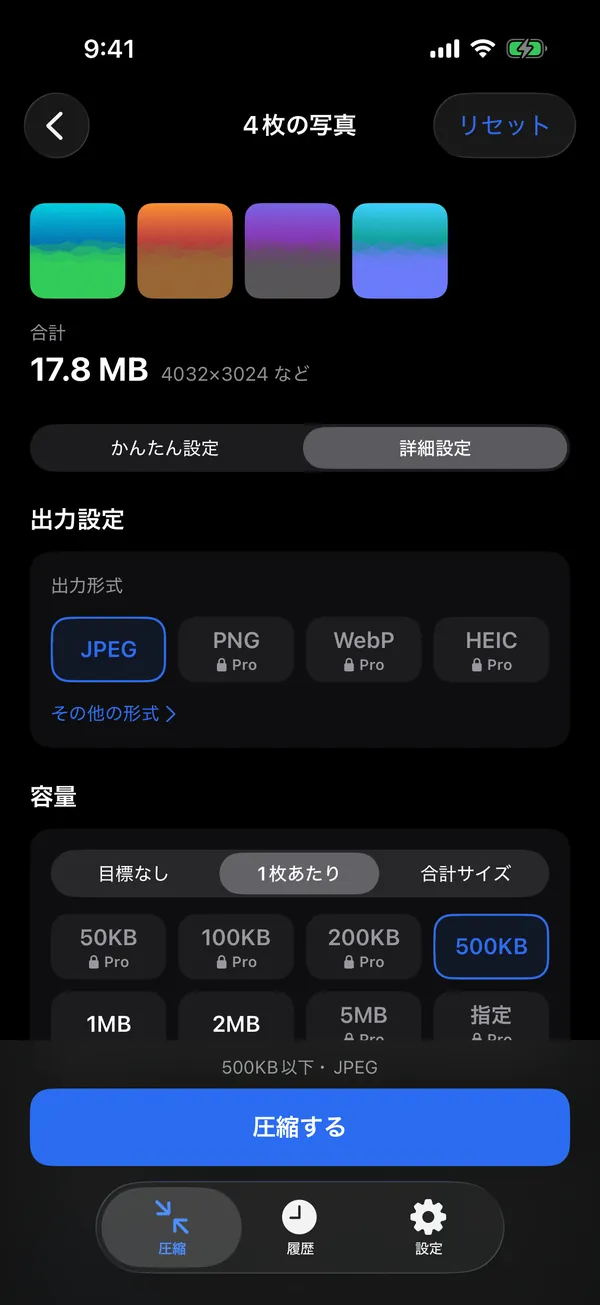
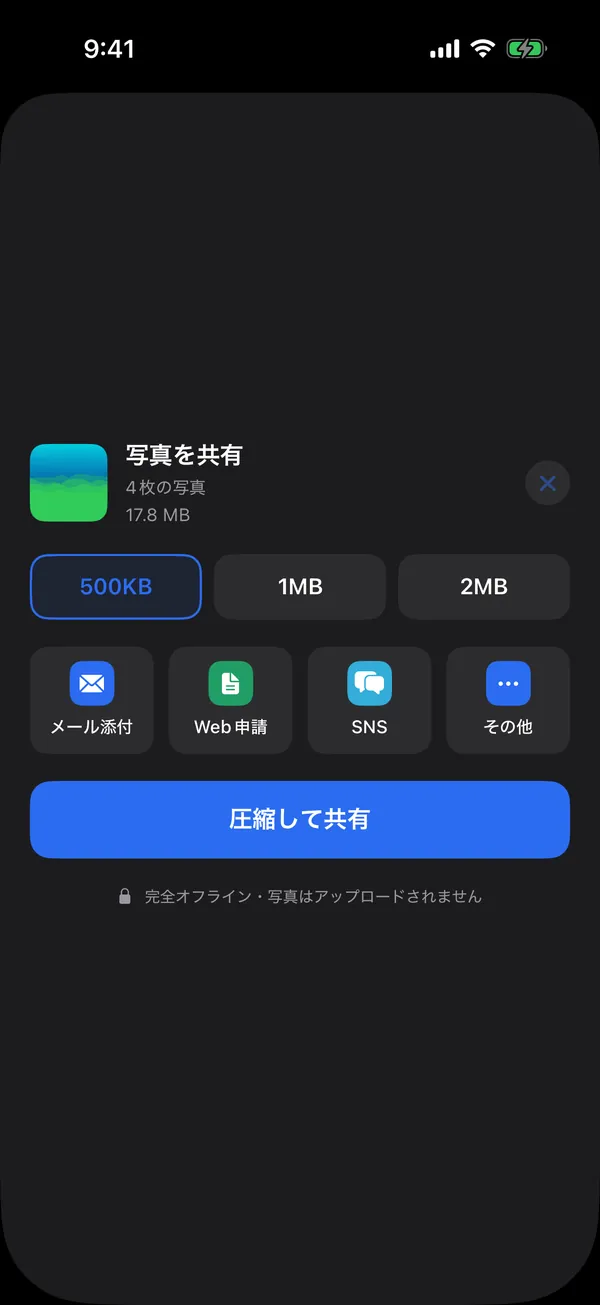
Pick 500KB, 1MB or 2MB, or a purpose such as Email or Web form.
Save to Photos or Files, or share right away. Check the before and after first if you like.
Your originals are never changed. Compressed photos are saved as new copies.
Exact size
PhotoSlim keeps the resolution first and adjusts the quality, and only shrinks the photo when it has to. As sharp as possible, and always under your target.
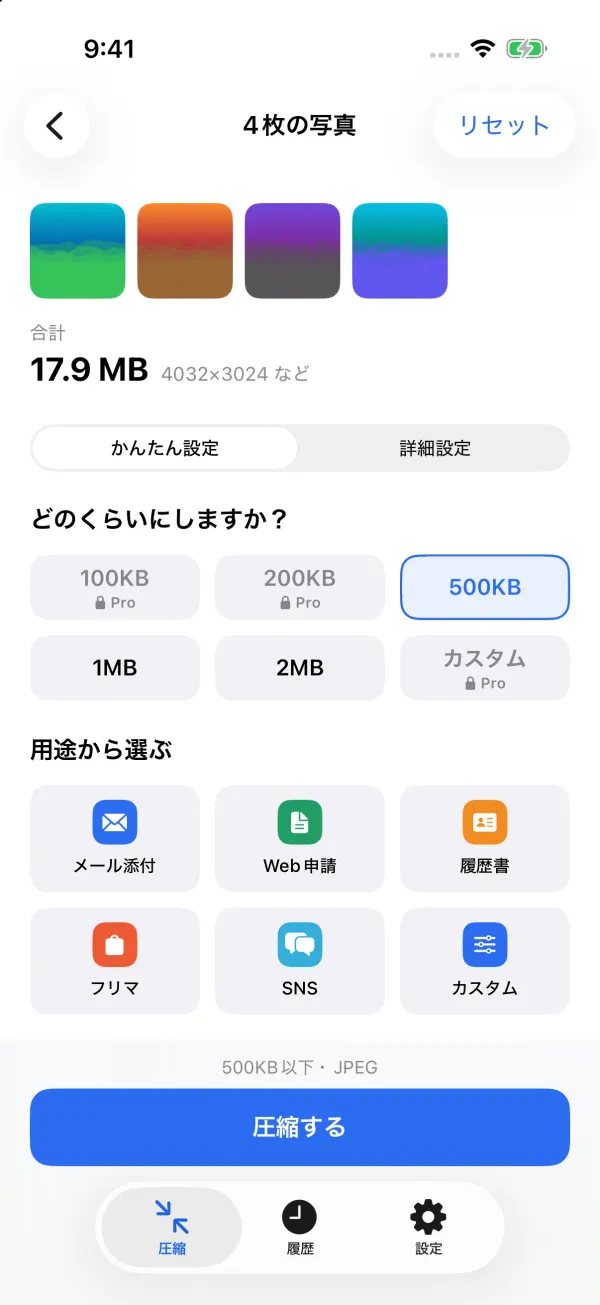
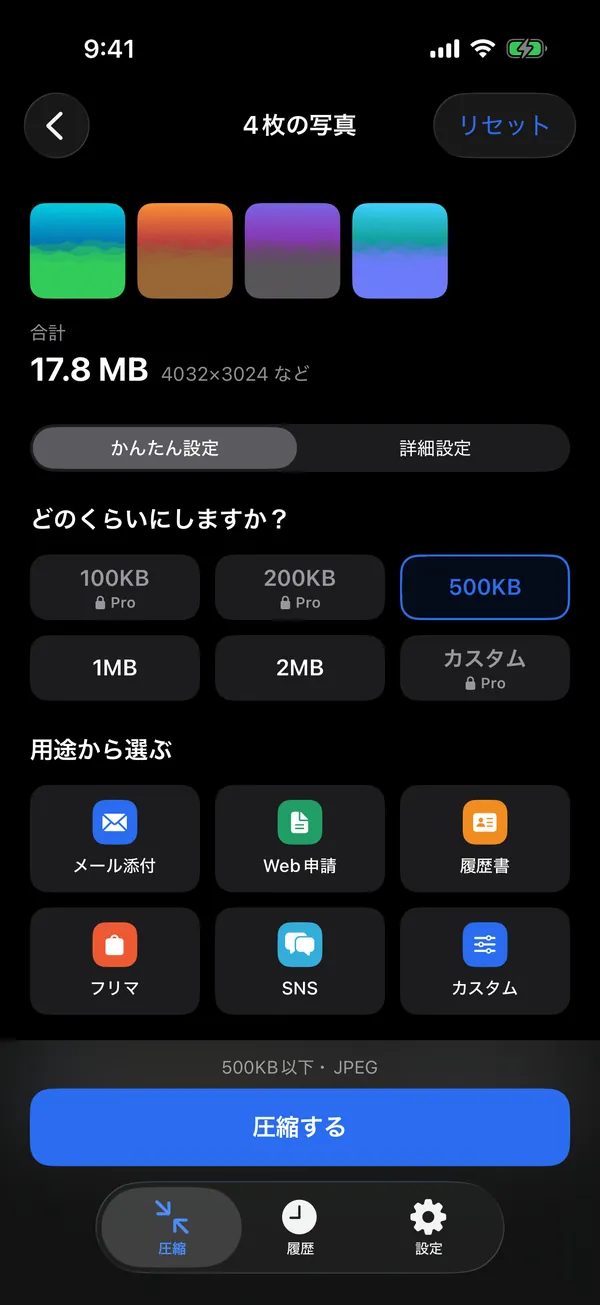
Choose by purpose
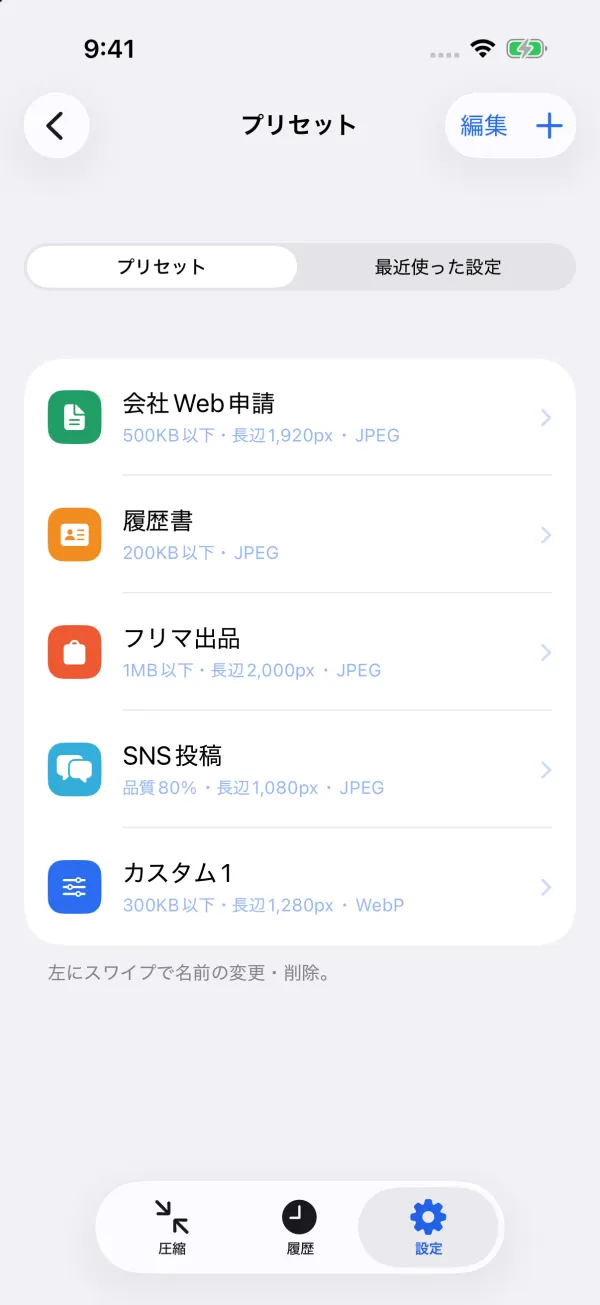
Pick a purpose and the right settings are chosen for you. Every purpose removes the location.
In the free version, purposes use the free sizes (500KB, 1MB, 2MB).
Resize and convert
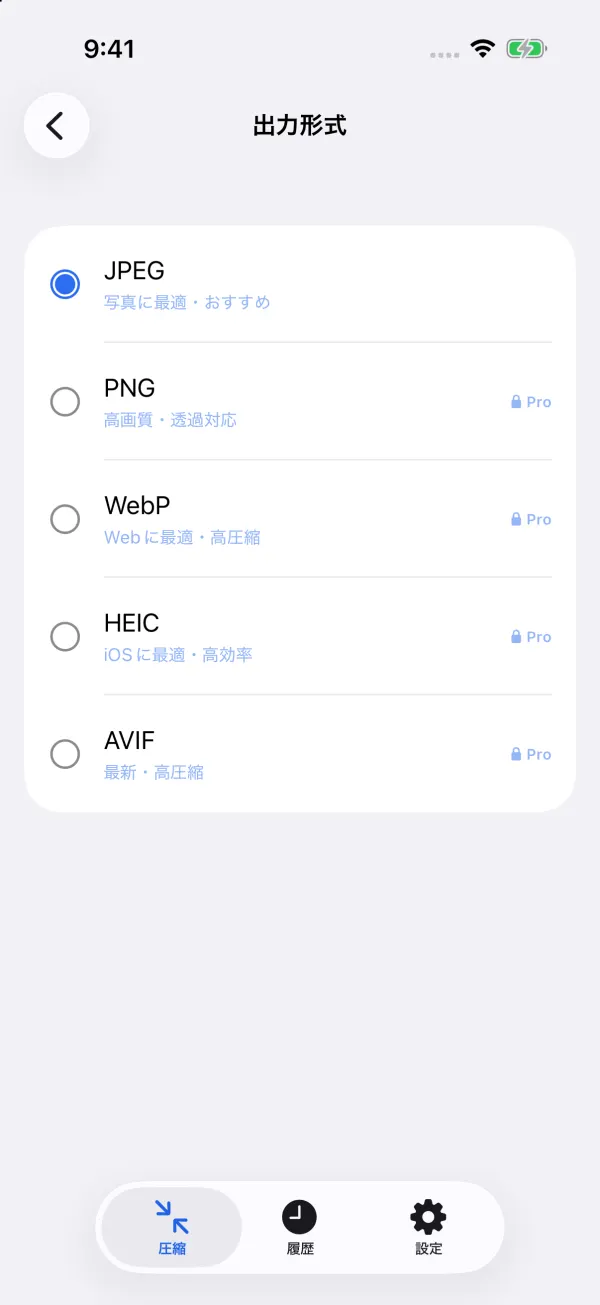
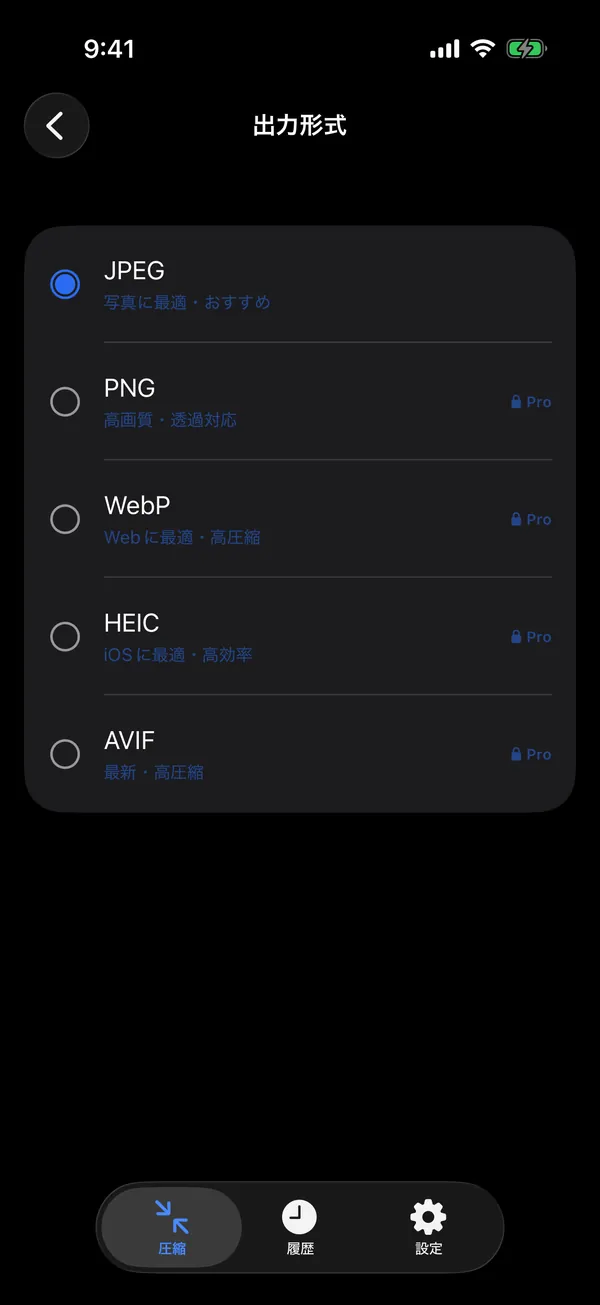
Resized with the aspect ratio kept, and never enlarged. iPhone HEIC, PNG and WebP all convert to JPEG in one go.
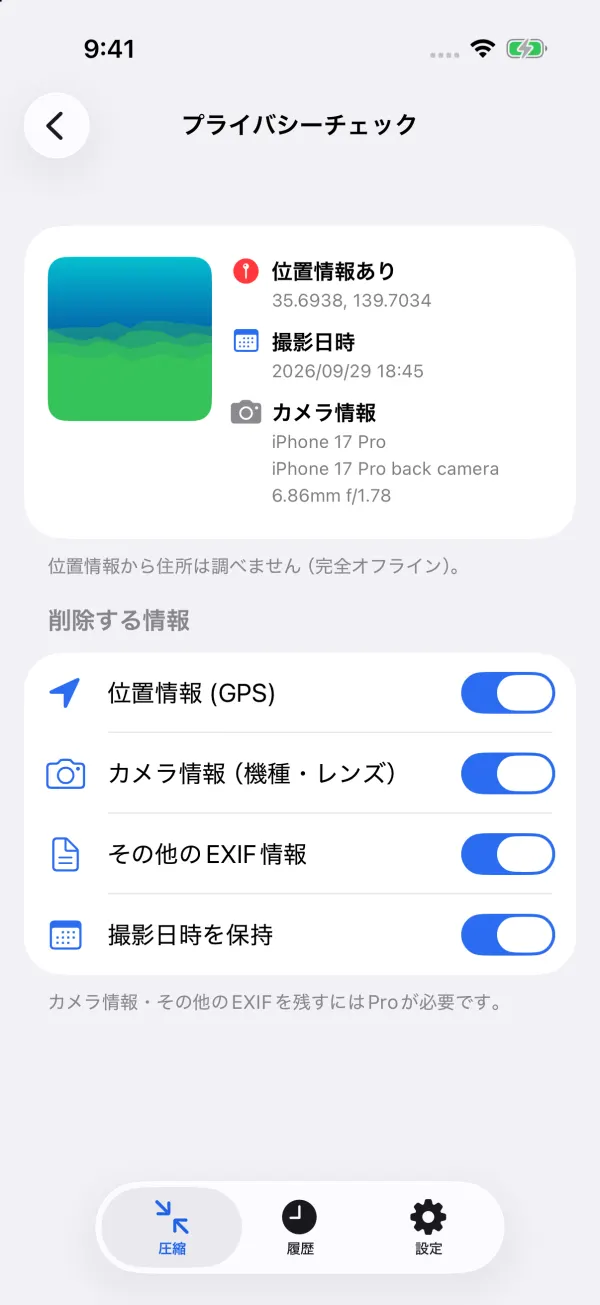
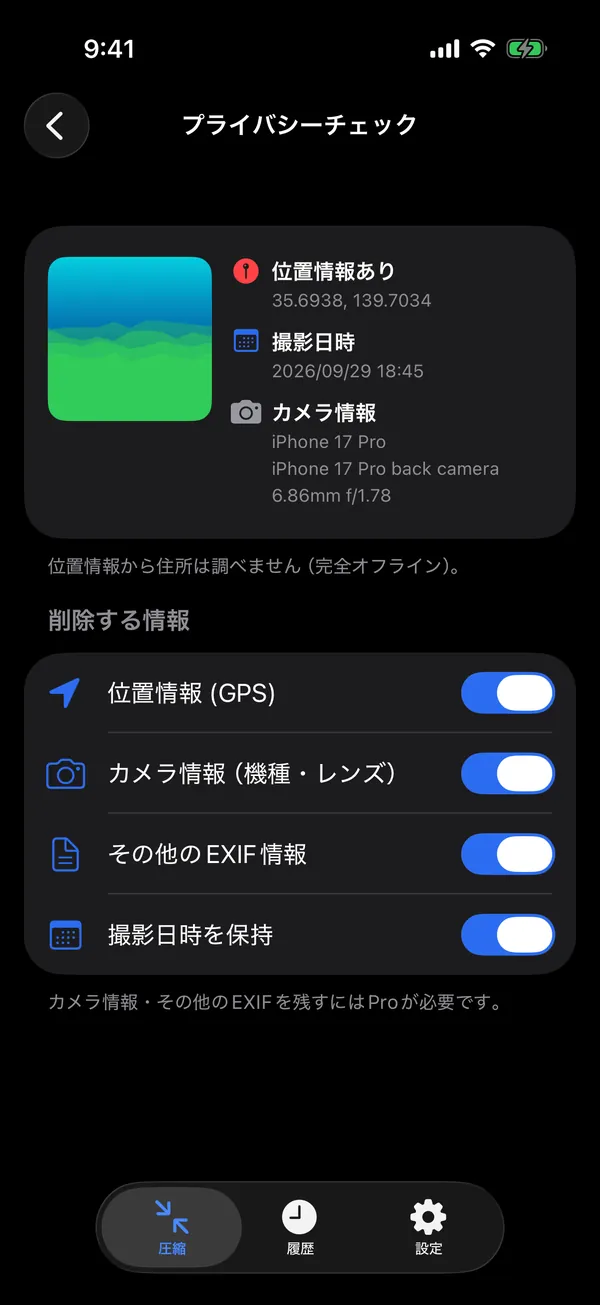
Privacy
A photo can carry where it was taken (GPS) and which camera took it. PhotoSlim removes that as it compresses.
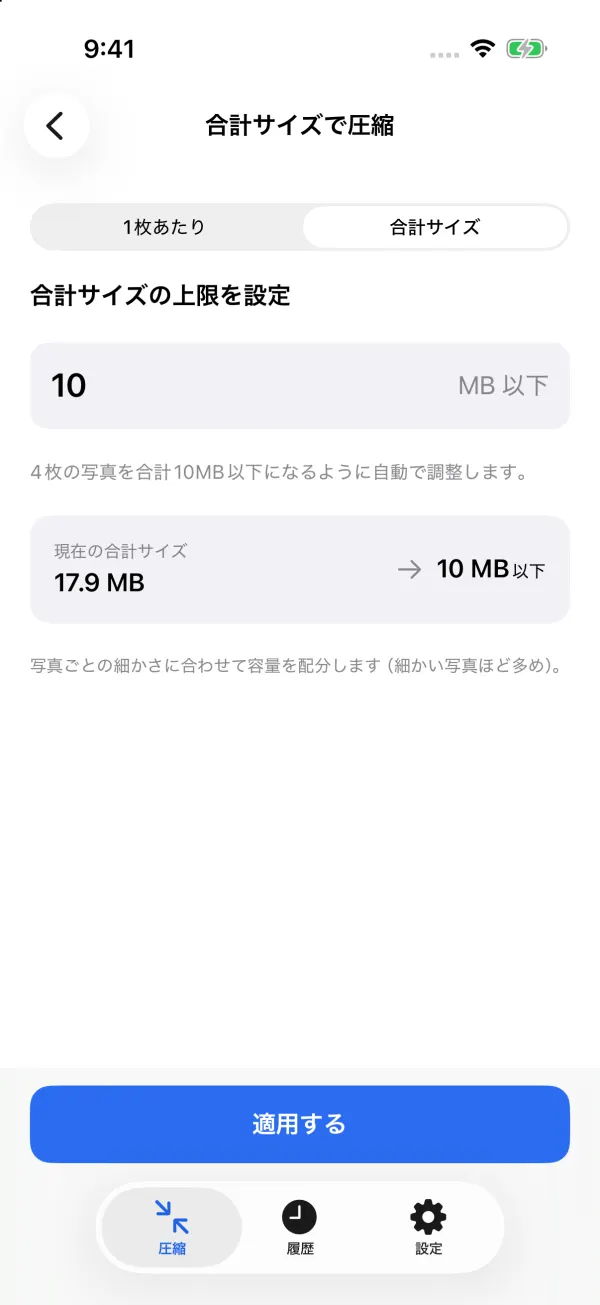
Batch and total size
Compress as many photos as you like at once. Set a total and PhotoSlim works out each photo's share.
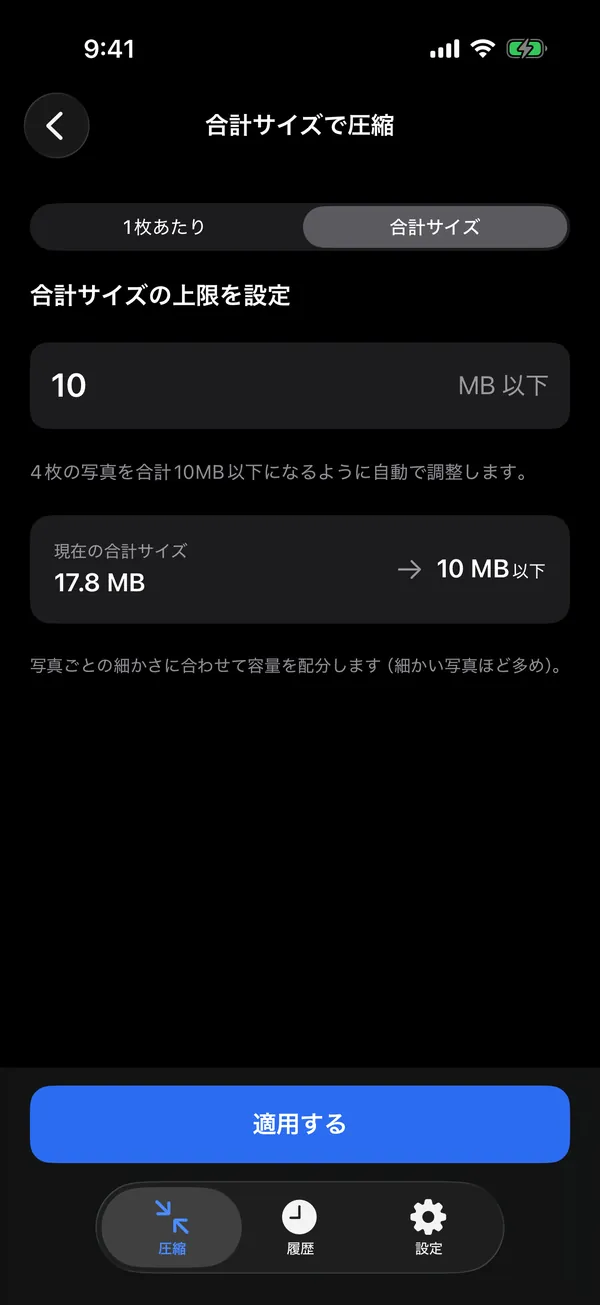
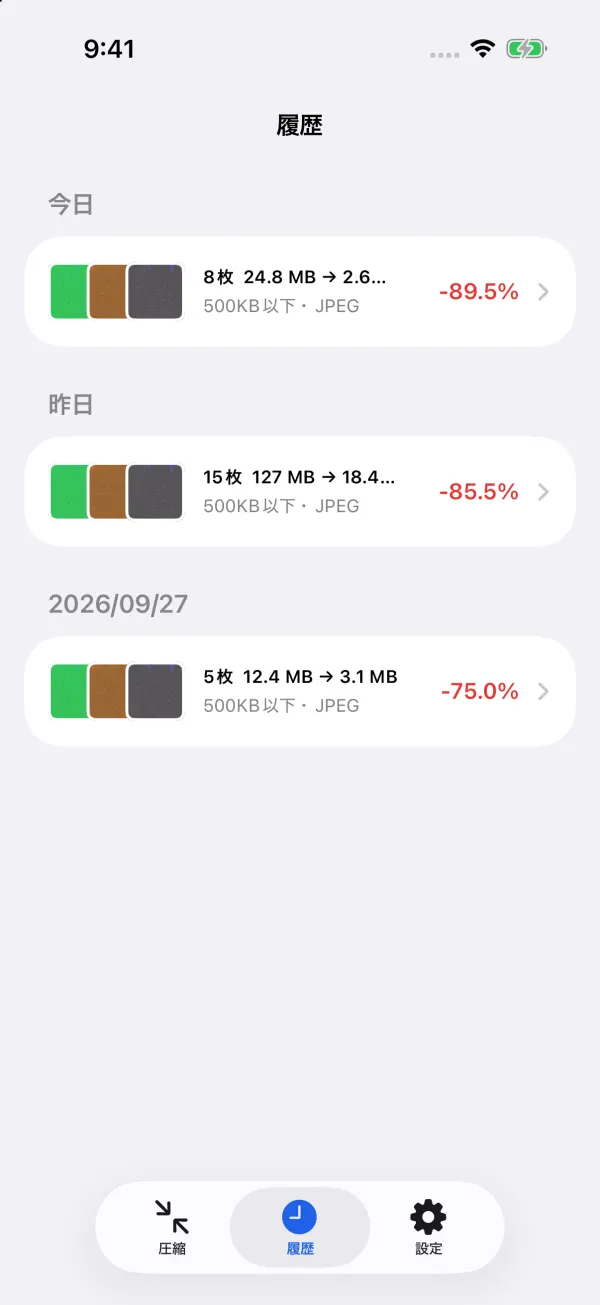
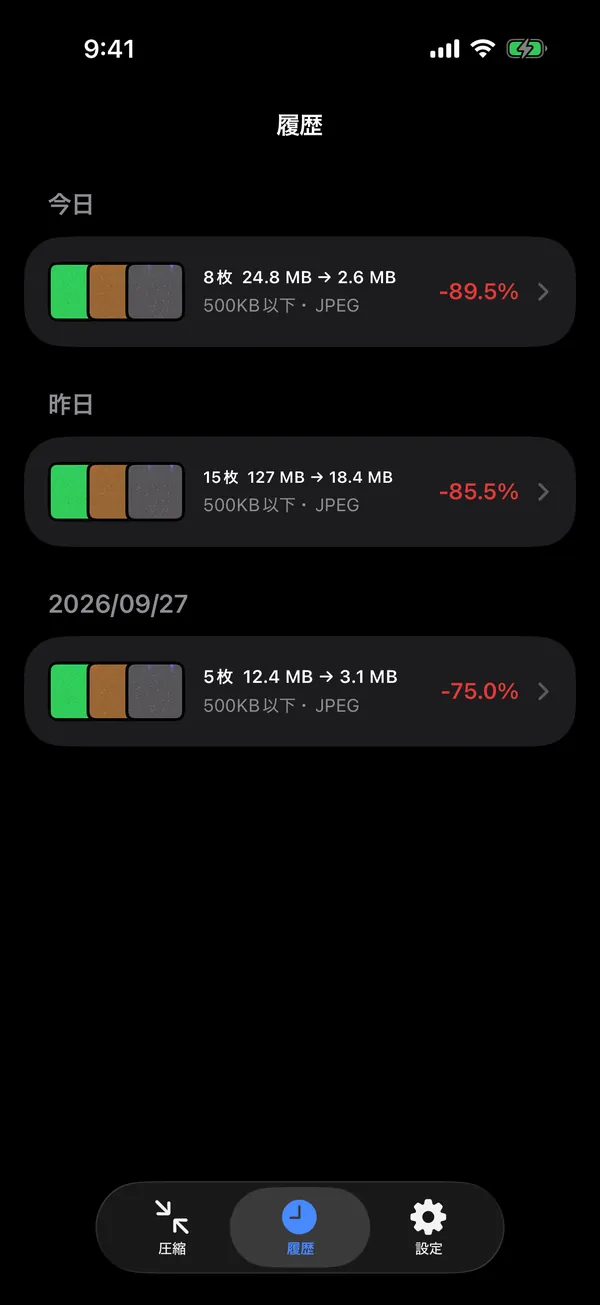
Share extension, presets and history
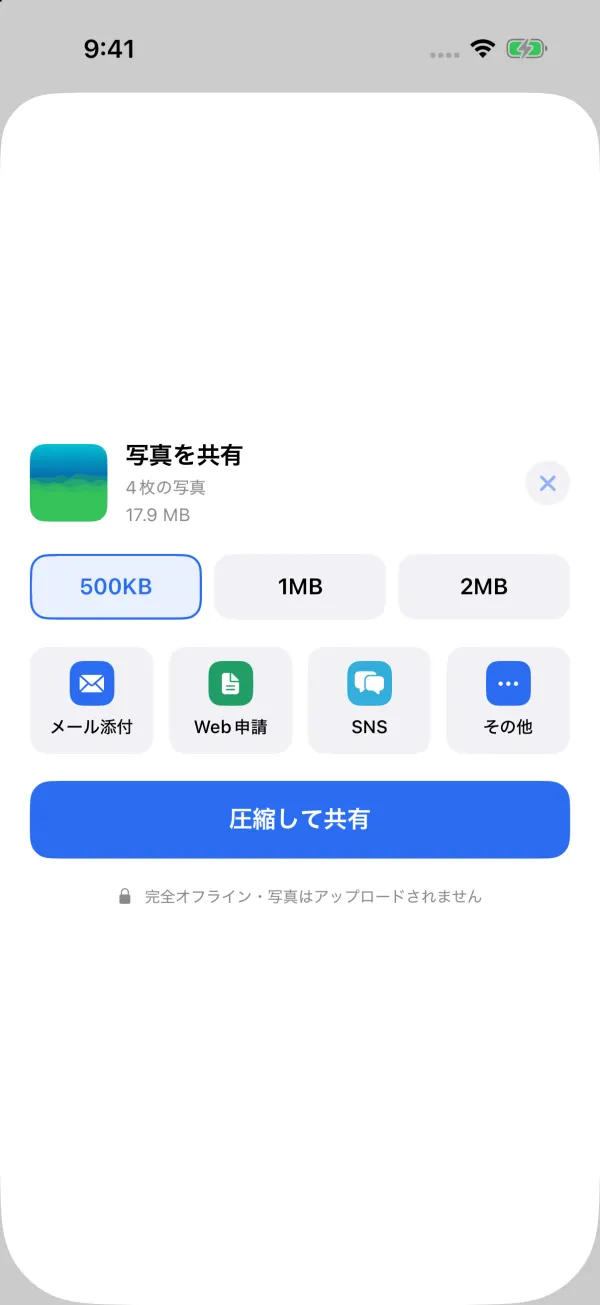
Choose PhotoSlim in the Share menu of Photos or any other app, compress, and send — without opening the app.
All features
The everyday features are free. Pro is for when you want finer control.
Every photo ends up under the size you pick.
Any value in KB or MB.
Any number of photos, shared out to fit a total.
Compress by quality (%) without a size target.
Email, web form, résumé, ID photo, marketplace, social.
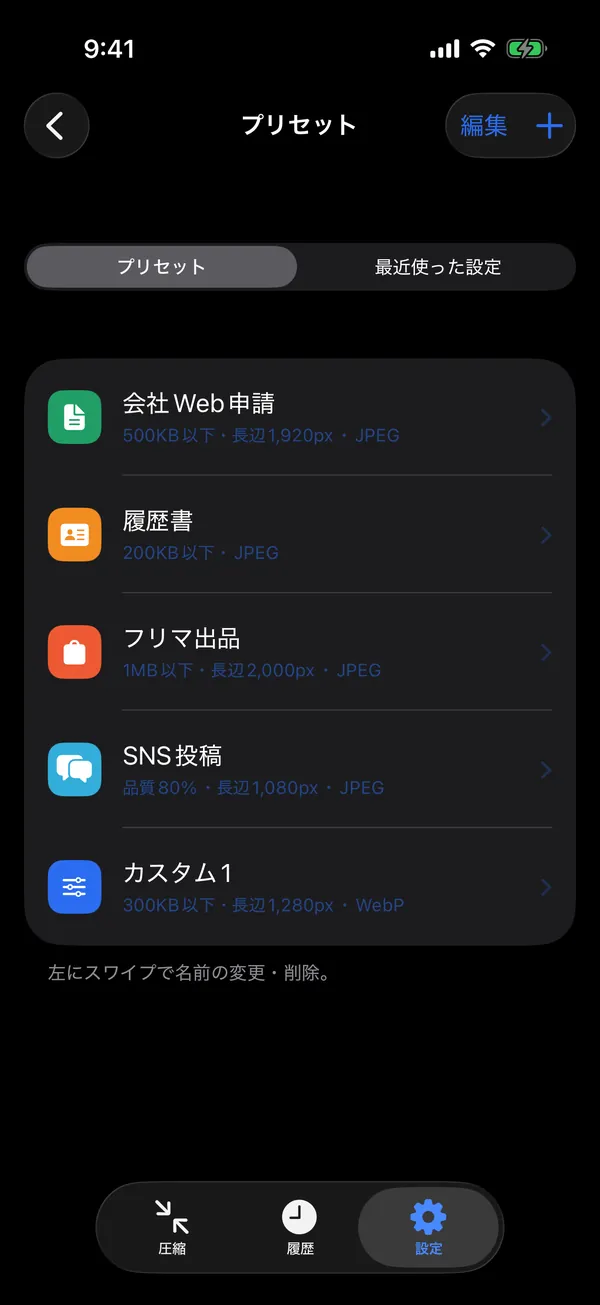
Name your favourite settings and use them from Home.
Aspect ratio kept, never enlarged.
In pixels.
Reads JPEG, HEIC, PNG and WebP photos.
Only formats your device can write are shown.
On by default; the capture date can stay.
Shows location, capture date and camera info.
Keeping every EXIF group selectively is Pro.
Free: 5 per run. Pro: unlimited.
Slider comparison, 100% and 200% zoom.
And delete the originals, after the system asks you.
Compress from another app's Share menu, with the same free limits as the app.
Listed by day; compress again with the same settings.
Names built from {original}, {date}, {time} and {index}.
The free version has no ads. Pro is only mentioned when you touch a Pro feature or a free limit.
Our promises
The app only goes online to buy Pro or restore a purchase, and the App Store or Google Play handles that.
Pricing
The sizes and features people use most are free. When you want more control, one purchase unlocks PhotoSlim Pro.
¥0
No ads, no time limit
¥1,480one-time
Pay once. Not a subscription
| Feature | Free | Pro |
|---|---|---|
| Under 500KB / 1MB / 2MB | Included | Included |
| 50KB, 100KB, 200KB, 5MB, any size | Not included | Included |
| Total size | Not included | Included |
| Choose by purpose | Included | Included |
| Resize 25% / 50% / 75% | Included | Included |
| Width × height, long / short edge, any % | Not included | Included |
| JPEG output (from HEIC, PNG, WebP) | Included | Included |
| PNG, WebP, HEIC output | Not included | Included |
| Remove location, keep capture date | Included | Included |
| Privacy check, remove EXIF | Included | Included |
| Photos per run | Up to 5 | Unlimited |
| Before / after | Included | Included |
| Save, share, delete originals | Included | Included |
| Share extension, history | Included | Included |
| Presets, file renaming, album | Not included | Included |
| No ads | Included | Included |
PhotoSlim Pro is a one-time purchase, not a subscription: nothing renews and you are never charged again. Use “Restore purchase” to unlock it on other devices with the same Apple ID or Google account. Apple or Google handles the payment; we never receive your payment details.
The price is the Japanese App Store price including tax. Prices vary by country and region; the app's purchase screen shows yours.
FAQ
Yes, it works offline, and no, nothing is uploaded. Compressing, resizing, converting and removing location all happen on your device. PhotoSlim has no server and no accounts. The app only goes online to buy Pro or restore a purchase.
No. PhotoSlim Pro is a one-time purchase (¥1,480 including tax in Japan). Nothing renews and you are never charged again. The free version has no time limit and no ads.
It reads JPEG, HEIC (HEIF), PNG and WebP photos. The free version saves JPEG; Pro can also save PNG, WebP and HEIC. Formats your device can't write aren't offered.
Yes. By default the capture date stays, and location (GPS), camera info and other EXIF are removed. You can change what stays in Settings or on the Privacy check screen.
PhotoSlim tells you the target couldn't be reached and lets you try another size or save the photo as it is. Photos already under the target can be saved without losing quality.
Nothing — they are never changed. Compressed photos are saved as new copies: in a “PhotoSlim” album on iPhone, in Pictures/PhotoSlim on Android. Use “Delete originals” only if you want to remove them; the system asks you to confirm.
Compressing under 500KB, 1MB or 2MB, resizing to 25–75%, saving as JPEG, removing location and EXIF, choosing by purpose, before / after, save and share, the share extension and history. The free version compresses up to 5 photos at a time.
Install the app with the same Apple ID or Google account and tap “Restore purchase” in Settings. You won't pay again.
iPhone and iPad with iOS 15 or later, and Android phones and tablets with Android 7.1 or later. The app is in Japanese, English and Vietnamese.
Download
No account, no ads. Install it and start right away.